
README.md 6.0 KB
English | 中文
Feature
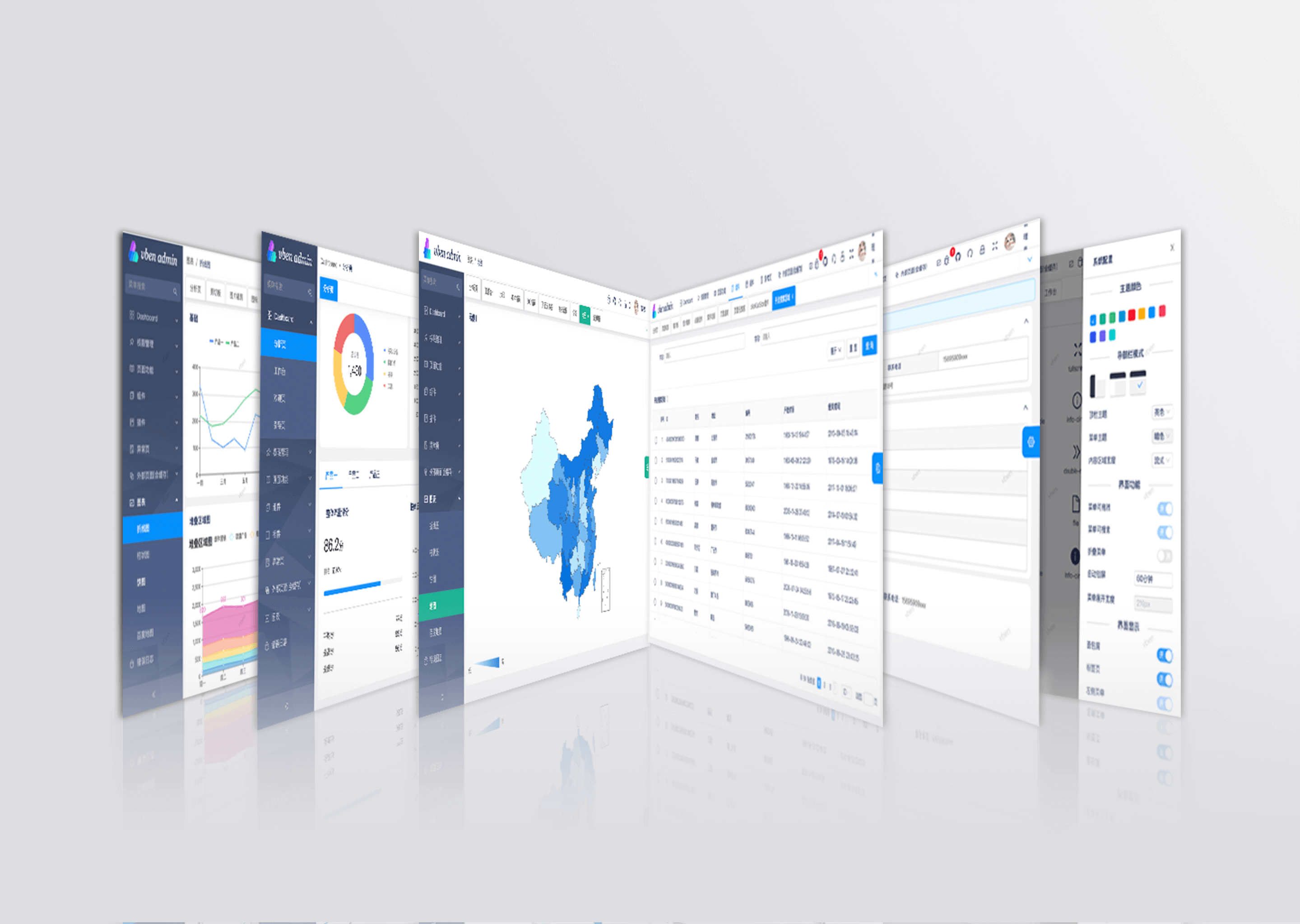
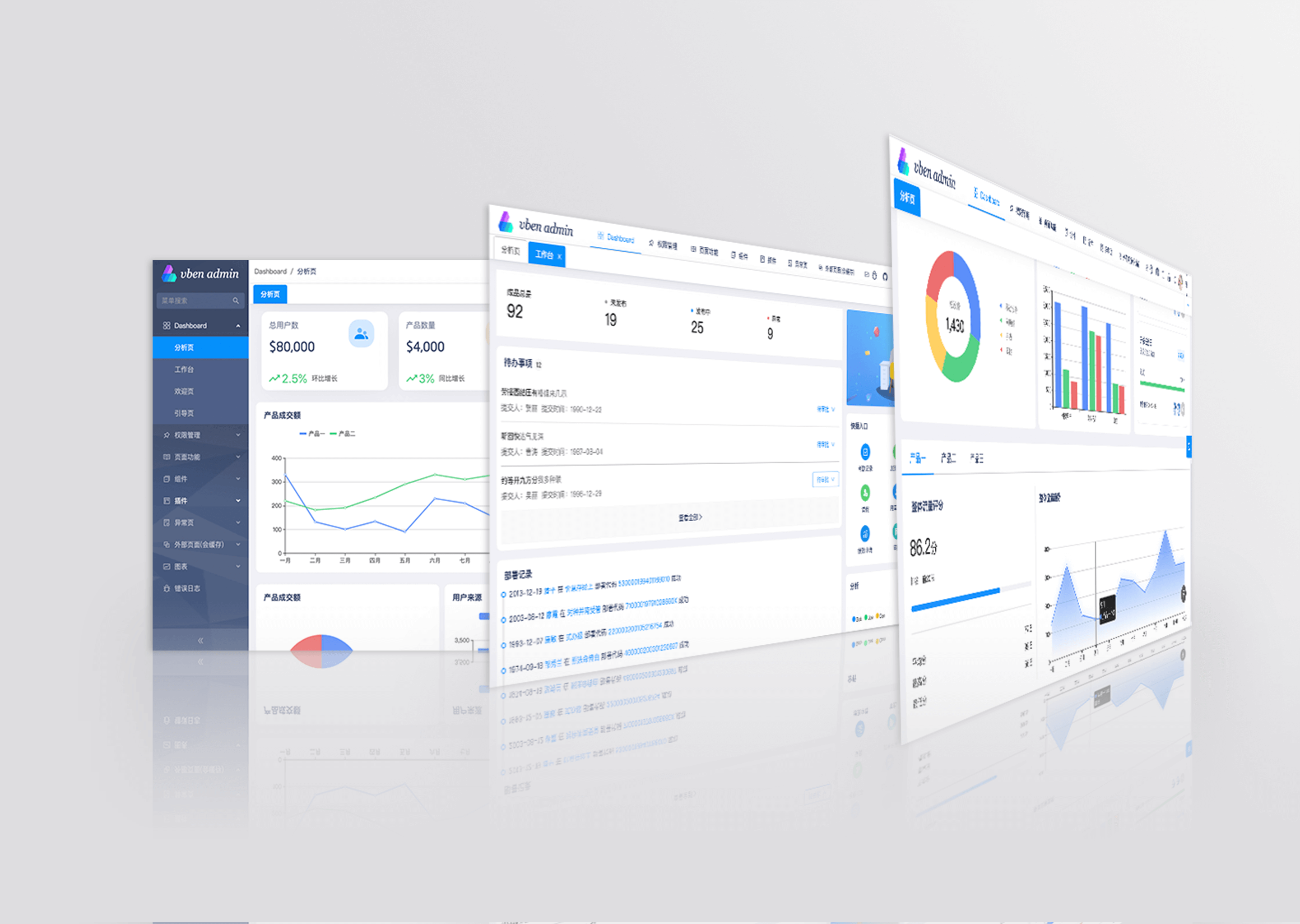
- State of The Art Development:Use front-end front-end technology development such as Vue3/vite2
- TypeScript: Application-level JavaScript language
- Theming: Configurable themes
- International:Built-in complete internationalization program
- Mock Server Built-in mock data scheme
- Authority Built-in complete dynamic routing permission generation scheme.
- Component Multiple commonly used components are encapsulated twice

Use Gitpod
Open the project in Gitpod (free online dev environment for GitHub) and start coding immediately.

Documentation
Preparation
- node and git - Project development environment
- Vite - Familiar with vite features
- Vue3 - Familiar with Vue basic syntax
- TypeScript - Familiar with the basic syntax of
TypeScript - Es6+ - Familiar with es6 basic syntax
- Vue-Router-Next - Familiar with the basic use of vue-router
- Ant-Design-Vue - ui basic use
- Mock.js - mockjs basic syntax
Install and use
pnpm install
- run
bash pnpm serve
- build
bash pnpm build
- docker

### The dockerFile is located in the project root directory and supports differential deployment

#### build image
bash docker build -t vue-vben-admin .
#### Environment variables are dynamically used to achieve differentiated container deployment. Different VG_BASE_URL environment variables point to different back-end service addresses. In the following example, http://localhost:3333 is used as the back-end service address and the container is mapped to port 6666
bash docker run --name vue-vben-admin -d -p 6666:80 -e VG_BASE_URL=http://localhost:3333 vue-vben-admin ```
Then you can navigate http://localhost:6666
Change Log
Project
- vue-vben-admin - full version
- vue-vben-admin-thin-next - Simplified version
How to contribute
You are very welcome to join!Raise an issue Or submit a Pull Request。
Pull Request:
- Fork code!
- Create your own branch:
git checkout -b feat/xxxx - Submit your changes:
git commit -am 'feat(function): add xxxxx' - Push your branch:
git push origin feat/xxxx - submit
pull request
Git Contribution submission specification
reference vue specification (Angular)
featAdd new featuresfixFix the problem/BUGstyleThe code style is related and does not affect the running resultperfOptimization/performance improvementrefactorRefactorrevertUndo edittestTest relateddocsDocumentation/noteschoreDependency update/scaffolding configuration modification etc.workflowWorkflow improvementsciContinuous integrationtypesType definition file changeswipIn development
Related warehouse
If these plugins are helpful to you, you can give a star support
- vite-plugin-mock - Used for local and development environment data mock
- vite-plugin-html - Used for html template conversion and compression
- vite-plugin-compression - Used to pack input .gz|.brotil files
- vite-plugin-svg-icons - Used to quickly generate svg sprite
Browser support
The Chrome 80+ browser is recommended for local development
Support modern browsers, not IE
 | IE | Edge
 | Firefox
|---|


Maintainer
Thanks
